How to Deal With Notification Overload Without Missing What Matters
Notification overload makes every buzz feel urgent. Use this 10-minute audit to keep important alerts, remove noise and stop checking on reflex.
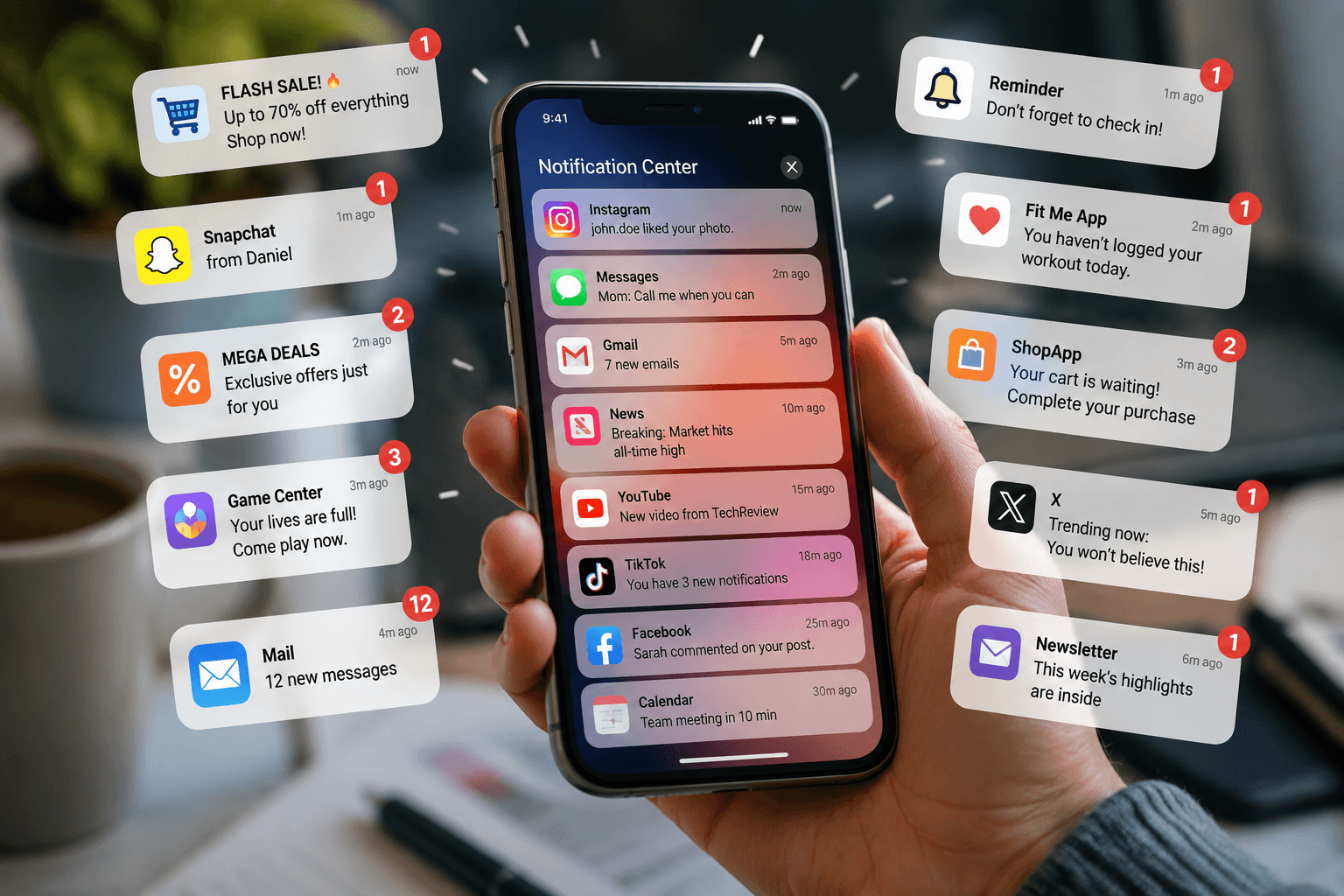
Your phone does not need fewer useful alerts. It needs better rules for who gets to interrupt you.
Your phone lights up while you are halfway through an email. You glance over. A shopping app wants you to know that a sale has been extended. Nothing urgent happened, yet the sentence you were writing has vanished from your head.
Ten minutes later, another buzz arrives. This one could be your manager, your family, a delivery update or another app trying to pull you back. They all use the same doorway.
That is where notification overload begins.
The problem is not simply that your phone sends too many alerts. It is that useful messages and disposable nudges arrive with similar sounds, badges and lock-screen space. Your attention has to inspect each one before it can decide whether it mattered.
You do not need to turn the phone into a silent brick. You need better rules for who gets to interrupt you.
Quick answer
Sort notifications into three lanes: Interrupt me now, Show me later and Do not call me. Keep immediate access for selected people, security alerts, calendar reminders and genuinely time-sensitive events. Silence the middle group and check it on your schedule. Turn promotional, recommendation and re-engagement alerts off completely. Then address the apps you still open from habit.
Why one small buzz can break your focus
A notification may last one second. The interruption can last longer because your mind has to leave the current task, identify the alert, decide what it means and find its way back.
In a laboratory study, receiving a phone notification disrupted performance on an attention-demanding task even when participants did not interact with the phone. Later research has also found effects on cognitive control, although the size and pattern of those effects can vary by task and person. [1][2]
That explains the strange tiredness of a notification-heavy day. You may not have spent hours replying. You simply restarted your attention repeatedly.
There is another layer. Once you have checked enough alerts, the phone no longer needs to call you. A quiet moment appears and you check on your own. The outside interruption becomes a self-interruption.
Every app should not use the emergency door
Calls from your family, a bank security alert, a calendar reminder and a clothing discount do not have the same consequence. Your phone often presents them as if they do.
Before changing settings, ask one question for every app:
If I saw this one hour later, what would change?
Be concrete. An appointment reminder may need to arrive on time. A direct message from one family member may matter. A delivery alert is useful while an order is active.
A notification about a new reel, a streak, a game reward, a sale, a suggested post or a trending story can wait.
This test works better than asking whether an app is important. Email may be important to your job, but every email does not deserve immediate access to your attention.
Build three notification lanes
Keep the system simple enough to finish in one sitting.
1. Interrupt me now
Use this lane for calls from selected people, security alerts, calendar reminders, active travel updates and anything with a real time limit. Keep it small. When too many apps qualify as urgent, the lane stops working.
2. Show me later
Messages, email, delivery updates and work tools may belong here. Keep them in the notification center, but remove sound, vibration, lock-screen previews or badges where possible. You can see them when you choose to check.
3. Do not call me
Put promotions, recommendations, likes, streak reminders, shopping updates, game rewards and re-engagement messages here. Turn them off completely. The information still exists when you intentionally open the app.
The 10-minute notification audit
Set a timer. Ten minutes is enough for a useful first pass.
- Open your phone’s notification settings or recent notification history.
- Start with the five apps that interrupt you most often.
- Keep real-time alerts only when an hour of delay has a real consequence.
- Remove sounds, vibration and lock-screen previews from the middle lane.
- Turn promotional and recommendation alerts off completely.
- Repeat with five more apps tomorrow if the full list feels exhausting.
Do not aim for the perfect setup. You are cutting the number of times an app is allowed to make an unsolicited decision about what you should notice next.
Create quiet windows instead of checking all day
Some notifications are useful but do not need to arrive individually. Let them wait, then check them in a batch.
One field study found that batching communication-app notifications three times per day reduced notification-caused interruptions and was associated with better end-of-day productivity. The result does not mean three checks is the correct number for everyone, but it supports a useful principle: a waiting room can be better than a constant knock. [3]
Use Focus or Do Not Disturb during work, meals, conversations and evening routines. Current iPhone and Android controls allow users to keep selected people or apps reachable while silencing others, although exact menus vary by device. [5][6]
Choose windows that fit your responsibilities. A customer-support role may need frequent checks. Deep work may need a longer protected block. The point is to move from unpredictable interruptions to deliberate access.
What if you are worried about missing something?
This is where many notification cleanups collapse. You switch everything off, feel uneasy for a day, then restore the old settings because silence starts to feel risky.
Build a clear emergency lane instead.
- Allow calls or messages from selected people.
- Enable repeated-call exceptions when appropriate.
- Ask family members to call for anything urgent.
- Keep security, calendar and active travel alerts immediate.
- Check work channels at times that match your role.
- Use a calendar reminder instead of hoping an important email alert survives among twenty others.
Once an emergency lane exists, every shopping app and social platform no longer needs to remain open just in case.
When the notifications stop but the checking continues
You may finish the audit and still open Instagram, email or a news app without receiving a single alert.
That does not mean the cleanup failed. Notifications were only one part of the loop. Repetition taught your hand to check whenever a task became difficult, a conversation paused or the room went quiet.
Move the phone out of sight during one focused task. Put it in a drawer, a bag or another room for twenty minutes. Seeing the phone can become a cue on its own.
For apps you still open automatically, place a pause at the point of entry. That is the moment when a vague urge can become a visible choice.
Where FreeInFive fits after the audit
A notification audit removes many outside interruptions. FreeInFive helps with the reaches that now come from habit.
Choose the apps that tend to pull you in. Soft Block adds a mindful pause before access. Hard Block can create a firmer boundary. Schedules can protect chosen focus or evening windows. Earn Your Scroll can require a small real-world action, such as a short written reflection, push-ups or arm raises, before extra time is unlocked.
The aim is not to block every useful app or make you feel guilty for checking the phone. It is to stop an automatic tap from becoming twenty minutes you never meant to spend.
First remove the noise. Then add friction where habit still finds a way in.
Keep what matters. Silence what does not.
Get FreeInFive on Google Play or the Apple App Store.
Try one quiet hour today
Pick one hour when you want to work, eat, talk to someone or wind down.
Keep calls from people who may genuinely need you. Silence everything else. Put the phone out of sight.
You may still think about checking it. Notice the thought without obeying it immediately.
At the end of the hour, look at what arrived. Most alerts will still be waiting, unchanged and less urgent than they felt in advance.
Tomorrow, remove permission from one more app.